
Wall Saws User Guide
Focus on precision cutting, setup, and technical troubleshooting so teams can move faster from track alignment or repair issue to the right video and documentation path.
18 Resources
18 Videos
Focus on precision cutting, setup, and technical troubleshooting so teams can move faster from track alignment or repair issue to the right video and documentation path.
Focus on precision cutting, setup, and technical troubleshooting so teams can move faster from track alignment or repair issue to the right video and documentation path.
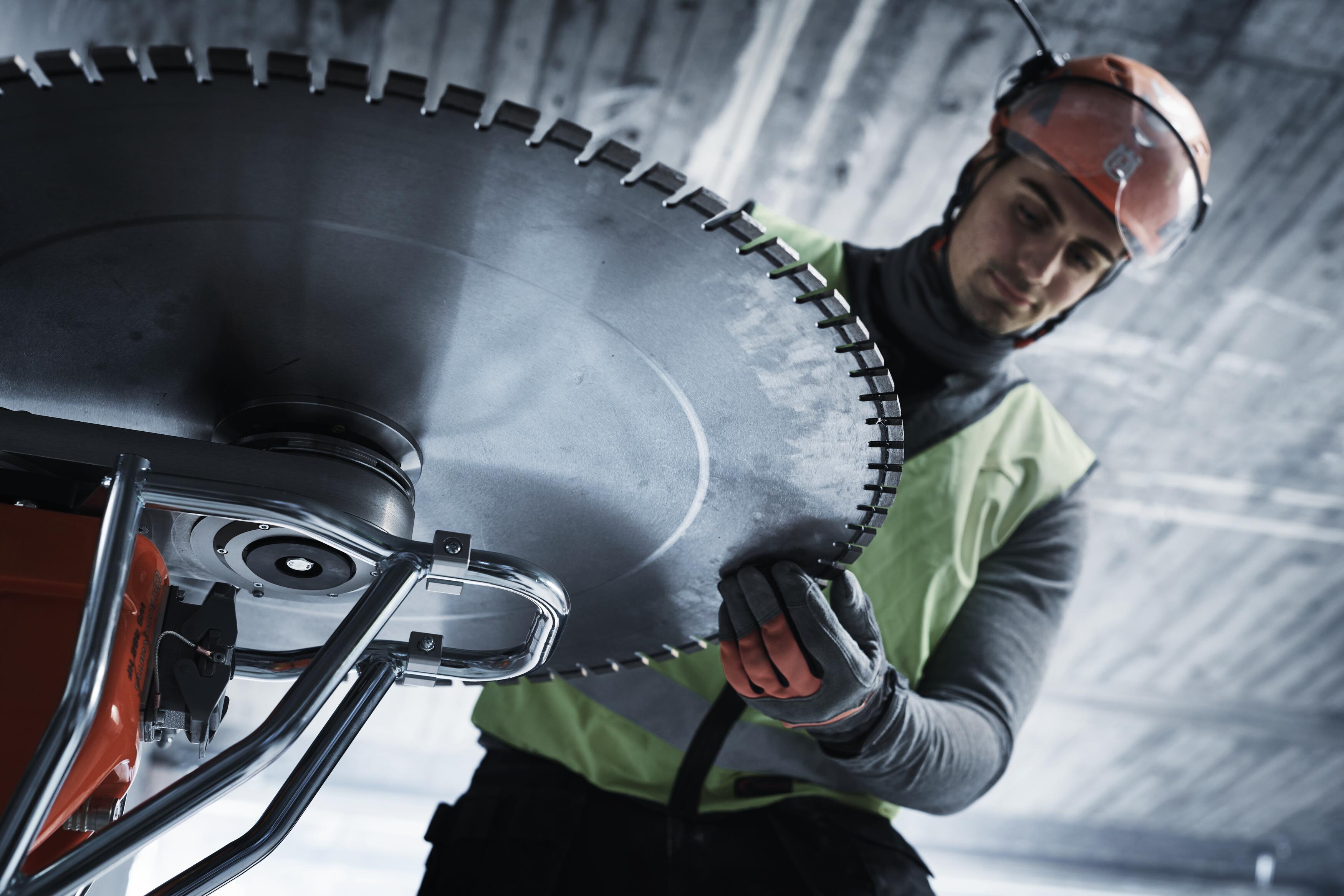
Start with the issue first, choose the matching topic, and move directly into the most relevant wall-saw video and documentation path for that technical need.
Use this when the first issue is rail alignment, carriage position, or getting the wall saw onto a cleaner cutting path before the next pass.
Use this when the saw needs to be mounted correctly again and the next step is reassembly, pivot-arm setup, or confirming hardware readiness.
Use this when the immediate need is understanding how the wall saw, wire saw, or chain attachment should be running before deeper service work begins.


Use this when saw response, carriage behavior, or remote-control input feels off and the next step is a focused control check.

Use this when the main concern is precision cutting, blade feel, or making sure the spindle-side cutting setup is supporting the job correctly.
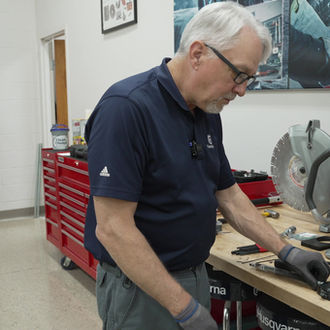
Use this when blade-drive condition, flange wear, or the mechanical cutting interface is the first issue that needs attention.

Use this when the blade motor or feed motor path is the most likely source of the issue and you need the right repair video set first.

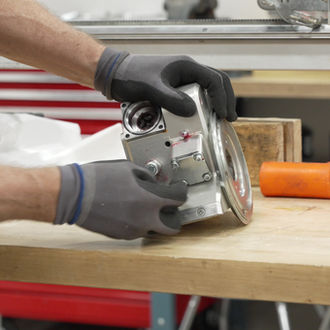
Use this when electronics, remote response, or system-level faults are the issue and the next step needs to be a more technical repair path.


Use this when the problem is centered on the track feed, arm feed, or slip-clutch path and you need the matching repair guidance immediately.
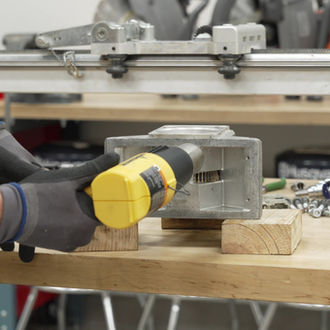
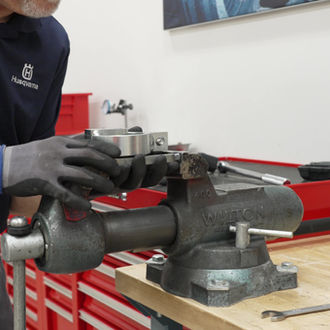

Use this when the right next step is a scheduled service check, a broader readiness review, or making sure the saw stays inside its maintenance rhythm.
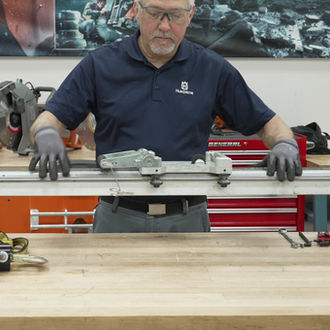
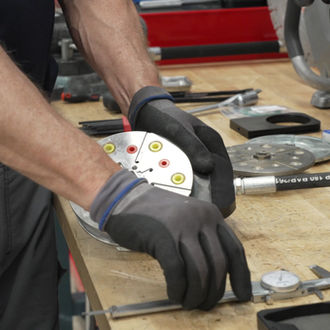
Use this when the issue is tied to wear condition, lubrication, or inspection points that affect precision cutting and long-term reliability.
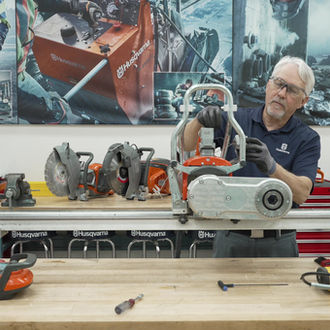
Browse the full Wall Saws video library by topic, then open the player for the video that best matches the setup, operation, repair, or maintenance task in front of you.
Select any video card to open the Husqvarna player without leaving this guide.
Operation
Husqvarna CS 10 wire saw
Overview of the CS 10 wire saw and how it pairs with Husqvarna wall saw systems for precision wire cutting.
Setup
Husqvarna WS 482 HF
Overview of the WS 482 HF wall saw and its setup for reinforced concrete and similar cutting applications.
Operation
Introducing the unique Husqvarna WSC 40 wall saw chain attachment
Use this overview when the next decision depends on wall-saw chain attachment use and small-opening precision without overcutting.
Setup
Reattaching the Handle Bars and Pivot Arm
Setup guidance for track alignment, carriage position, mounting, and getting the wall saw ready for the next cut.
Setup
Adjusting the Saw Carriage
Setup guidance for track alignment, carriage position, mounting, and getting the wall saw ready for the next cut.
Repair
Reinstalling the Blade Motor
Repair guidance for electronics, feed motors, power-transfer components, and the technical work that keeps the system serviceable.
Repair
Checking the Remote Control Potentiometers
Repair guidance for electronics, feed motors, power-transfer components, and the technical work that keeps the system serviceable.
Repair
Removing the Arm Feed Gear Shaft and Bearing
Repair guidance for electronics, feed motors, power-transfer components, and the technical work that keeps the system serviceable.
Repair
Dismantling the Feed Motors and Removing the Feed Motor Gear Box
Repair guidance for electronics, feed motors, power-transfer components, and the technical work that keeps the system serviceable.
Maintenance
Renovating the Blade Flange
Maintenance guidance for service intervals, lubrication, inspection, and practical wear checks tied to wall-saw readiness.
Maintenance
100-Hour Functionality Test
Run the 100-hour functionality test here.
Repair
Measuring the Feed Motors
Repair guidance for electronics, feed motors, power-transfer components, and the technical work that keeps the system serviceable.
Maintenance
Changing the Oil and Greasing the Worm Gears
Maintenance guidance for service intervals, lubrication, inspection, and practical wear checks tied to wall-saw readiness.
Maintenance
200-Hour Service Overview
Maintenance guidance for service intervals, lubrication, inspection, and practical wear checks tied to wall-saw readiness.
Repair
Dismantling the Saw Head and Electronics
Repair guidance for electronics, feed motors, power-transfer components, and the technical work that keeps the system serviceable.
Repair
Removing the Feed Shaft and Track Feed Slip Clutch
Repair guidance for electronics, feed motors, power-transfer components, and the technical work that keeps the system serviceable.
Maintenance
Inspecting the Track Feed Slip Clutch
Maintenance guidance for service intervals, lubrication, inspection, and practical wear checks tied to wall-saw readiness.
Repair
Assembling the Saw Head Electronics
Repair guidance for electronics, feed motors, power-transfer components, and the technical work that keeps the system serviceable.
Use the official wall saw product path when the next answer depends on broader system context, saw capabilities, or understanding how Husqvarna wall saws fit the cutting application.
Use the wall saw portal, official product path, and technical video library as the primary destinations for manuals, parts, repair guidance, and broader documentation support.
Use the wall saw portal as the primary destination for manuals, parts access, and linked support records tied to active equipment.
Open resource Wall SawsOpen the official wall saw product path when the next answer needs broader system, product, and documentation context.
Open resource Wall SawsUse the technical video library when the next step depends on repair, electronics, feed-system work, or deeper service support.
Open resourceUse Support when the issue still needs routing, return to User Guides to switch categories, or move into Training Events when hands-on technical learning is the right next step.