
Core Drills User Guide
Focus on precision drilling, setup, and safe operation so users can move quickly into the right answer for alignment, bit choice, drilling performance, and maintenance.
12 Resources
12 Videos
Focus on precision drilling, setup, and safe operation so users can move quickly into the right answer for alignment, bit choice, drilling performance, and maintenance.
Focus on precision drilling, setup, and safe operation so users can move quickly into the right answer for alignment, bit choice, drilling performance, and maintenance.
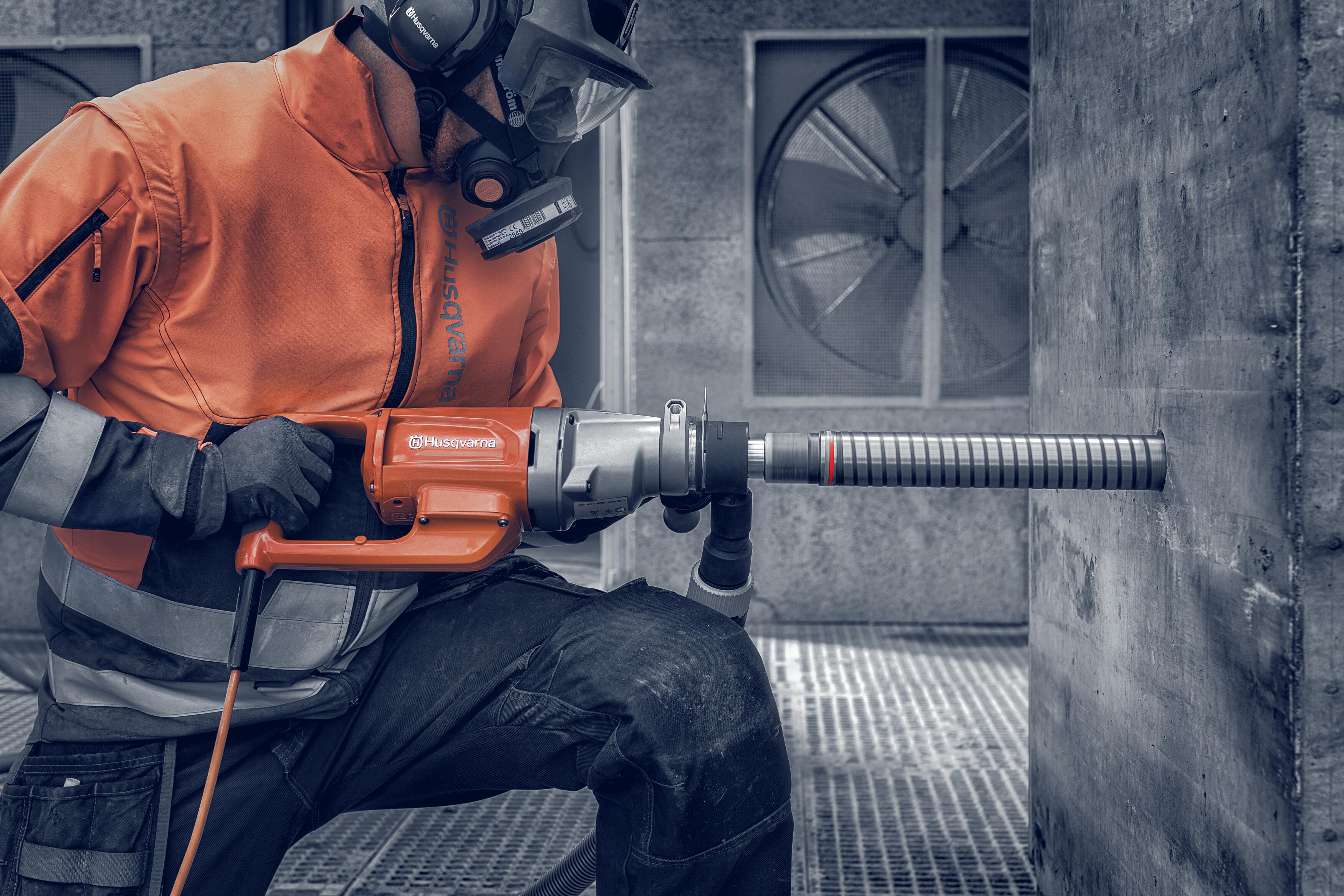
Start with the drilling question first, choose the matching topic, and move directly into the best Core Drills video and documentation path for that issue.
Use this when the immediate need is mounting the drill correctly, aligning the stand, or getting the drilling system positioned accurately before the hole starts.
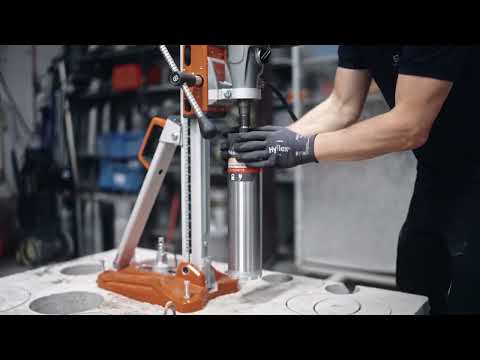


Use this when the next decision is whether the drilling task should stay handheld or move to a stand-supported setup for better control and accuracy.

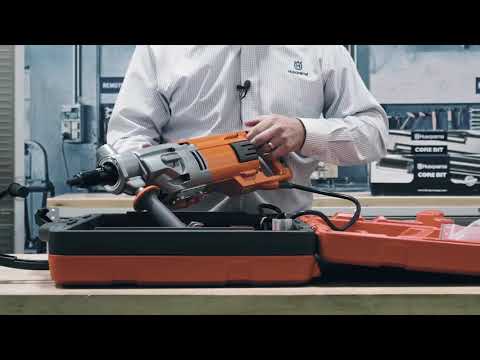
Use this when the first step is understanding the drill components, machine context, or the setup sequence before the work starts.

Use this when penetration speed drops off and the likely next checks involve setup, feed behavior, or matching the drilling system more closely to the task.
![Let's Talk: Dry Core Drilling | [ENG] | Husqvarna Construction](https://i.ytimg.com/vi/-QFYSv0IJng/hqdefault.jpg)

Use this when heat, water flow, or drilling resistance appears to be the reason the hole is becoming slower or less controlled.

Use this when bit life is the primary concern and the next step depends on matching the bit and drilling method more accurately to the material.
Use this when the first decision is which bit path best fits the base material and whether reinforcement changes the drilling approach.
Use this when the bit size and drilling configuration need to be matched more carefully to the hole requirement, stand setup, or machine capability.
Use this when the drilling sequence, control feel, or electronics-side workflow needs a cleaner reference before troubleshooting goes further.

Use this when the hole needs to be cleaner, more accurate, or more repeatable and the next step is correcting setup, drilling method, or bit selection.
Use this when water delivery, cooling support, or the wet drilling setup needs to be corrected before the next hole is started.
Use this when the next step is checking the drill system for readiness, wear, or setup condition before drilling starts again.
Use this when drilling performance depends on water handling, cooling behavior, or keeping the system ready for the next pass.
Use this when the drill motor, battery, or power-system path needs a stronger product and troubleshooting reference before service decisions are made.
Browse the full Core Drills video library by topic, then open the player for the video that best matches the drilling task or issue in front of you.
Select any video card to open the Husqvarna player without leaving this guide.
Troubleshooting
Let's Talk: Dry Core Drilling | [ENG] | Husqvarna Construction
English overview of dry core drilling with practical guidance on setup choices, drilling feel, and decisions that affect speed, wear, and hole quality.
Setup
Limited Series Product Spotlight | Husqvarna DMS 400 Core Drill
Product spotlight for the DMS 400 that helps frame stand-based drilling setup, machine positioning, and broader system familiarity.
Troubleshooting
PRIME System
Use this when the power-system path or electronics-side workflow is part of understanding the drill setup or troubleshooting sequence.
 Operation
Introducing DM 540i battery core drill
Overview of the DM 540i battery core drill and how it fits into modern drilling workflows where mobility and control matter.
Setup
Husqvarna DM540i - How To Drill With Drill Stand
Use this for stand drilling setup and alignment when the next step is getting the drill mounted and drilling accurately.
Operation
Husqvarna DM 220 on DS 250 - Drilling concrete
Concrete drilling example for the DM 220 on a DS 250 stand, useful when drilling speed, setup, or hole accuracy needs a direct reference.
Setup
Husqvarna DM 220 Core Drill Unboxing
Use this when the immediate question is machine familiarity, components, and getting the drill organized before setup begins.
Setup
Husqvarna DM 230 Core Drill Unboxing
Product walkthrough for the DM 230 that helps teams compare handheld drilling readiness with stand-based drilling workflows.
Operation
Husqvarna DM540i - How To Autodrill
Use this when drilling control, feed consistency, or keeping the machine in the right drilling rhythm is the next thing to solve.
Operation
Introducing DM 540i battery core drill
Overview of the DM 540i battery core drill and how it fits into modern drilling workflows where mobility and control matter.
Setup
Husqvarna DM540i - How To Drill With Drill Stand
Use this for stand drilling setup and alignment when the next step is getting the drill mounted and drilling accurately.
Operation
Husqvarna DM 220 on DS 250 - Drilling concrete
Concrete drilling example for the DM 220 on a DS 250 stand, useful when drilling speed, setup, or hole accuracy needs a direct reference.
Setup
Husqvarna DM 220 Core Drill Unboxing
Use this when the immediate question is machine familiarity, components, and getting the drill organized before setup begins.
Setup
Husqvarna DM 230 Core Drill Unboxing
Product walkthrough for the DM 230 that helps teams compare handheld drilling readiness with stand-based drilling workflows.
Operation
Husqvarna DM540i - How To Autodrill
Use this when drilling control, feed consistency, or keeping the machine in the right drilling rhythm is the next thing to solve.
 Operation
Experience DM 540i battery core drill
High-level product overview for the DM 540i that helps users understand the machine context before drilling or setup questions get more specific.
Maintenance
WT 10 MPX Water Tank
Use this when water handling, cooling support, or wet drilling setup is part of keeping drilling performance more stable.
Setup
The new DM 400 drill motor from Husqvarna
Overview of the DM 400 drill motor for teams who need a stronger product reference before moving into stand drilling, service, or setup details.
Operation
Experience DM 540i battery core drill
High-level product overview for the DM 540i that helps users understand the machine context before drilling or setup questions get more specific.
Maintenance
WT 10 MPX Water Tank
Use this when water handling, cooling support, or wet drilling setup is part of keeping drilling performance more stable.
Setup
The new DM 400 drill motor from Husqvarna
Overview of the DM 400 drill motor for teams who need a stronger product reference before moving into stand drilling, service, or setup details.
Use the equipment path when the next answer depends on the drilling setup first and the right support route starts with the product category.
Use the diamond core drill bits category when the next decision depends on the material being drilled, reinforcement, hole diameter, or matching the bit to the drilling setup more accurately.
Use the core drilling portal and official Husqvarna product paths as the primary destinations for manuals, parts, documentation, and broader support references.
Use the concrete core drills portal page as the primary destination for manuals, parts access, and linked product records.
Open resource Core DrillsOpen the official concrete core drills product path when the next answer needs broader machine, application, and documentation context.
Open resource Core DrillsUse the official Husqvarna product user guides hub when the next step is finding wider documentation across equipment categories.
Open resource Core DrillsUse the official diamond core drill bits category when the drilling result depends on bit choice, diameter, and material fit.
Open resourceUse Support when the issue still needs routing, return to User Guides to switch categories, or move into the wider Core Drills range when the product path is the next step.
