
DXR Demolition Robots User Guide
Focus on remote operation, attachments, applications, and safe demolition practices so users can move quickly into the right answer without chasing disconnected support paths.
9 Resources
9 Videos
Focus on remote operation, attachments, applications, and safe demolition practices so users can move quickly into the right answer without chasing disconnected support paths.
Focus on remote operation, attachments, applications, and safe demolition practices so users can move quickly into the right answer without chasing disconnected support paths.
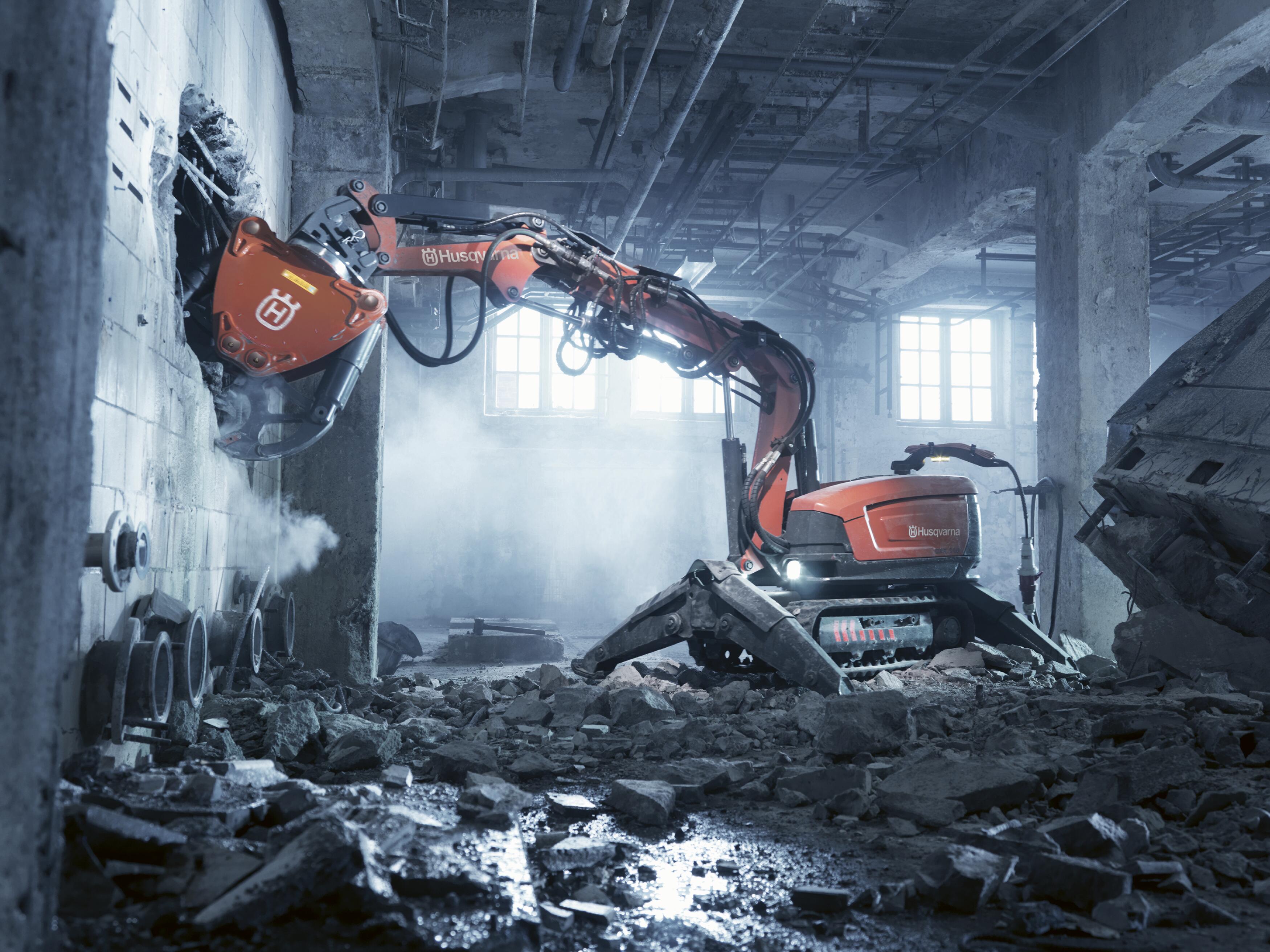
Start with the issue first, choose the matching topic, and move directly into the best DXR video and resource path for that need.
Use this when the first question is controller access, response, or getting back to a known control state before work continues.


Use this when the next step is getting the robot moving correctly, choosing the right transport behavior, or confirming the operating mode.


Use this when stable positioning, machine movement, or control feel is the issue that needs to be solved before continuing.

Use this when the answer starts with the attachment first and the job depends on matching the robot to the right tool family.


Use this when hydraulic accessory setup, external tool connection, or tool response is the most likely source of the issue.
Use this when attachment behavior, stability, or overall tool performance is preventing the robot from working the way it should.

Use this when the robot needs a more stable footprint, better positioning, or a cleaner setup before work begins again.
Use this when the issue is tied to getting the robot through the site more efficiently or choosing the correct movement mode.
Use this when the robot needs to work in tight access conditions and the next step is a more controlled confined-space setup.

Use this when the next step is service access, control backup, or a readiness check before the robot returns to work.
Use this when service questions are tied to hydraulic accessory behavior, external tool flow, or related system checks.
Use this when the need is daily readiness, transport condition, or a fast check before the robot goes back into demolition work.
Use this when the priority is robot stability, stand-off positioning, and getting the setup safer before demolition continues.
Use this when the safe next step depends on transport mode, controlled movement, or getting through access constraints correctly.
Use this when the setup needs a cleaner dust-control path before demolition continues in more sensitive environments.
Use this when the next step is aligning the robot, attachment, and workflow to a concrete-demolition application.
Use this when the work is tied to industrial demolition conditions where reach, remote operation, and standoff access matter most.
Use this when the job depends on working through doorways, tighter access, or more hazardous environments where remote operation adds value.
Browse the full DXR video library by topic, then open the player for the video that best matches the robot setup or issue in front of you.
Select any video card to open the Husqvarna player without leaving this guide.
Maintenance
DXR user guide - Service Controller
Maintenance guidance for service access, readiness checks, and keeping the demolition robot ready for the next shift.
Attachments
DXR user guide - Dust Reduction Kit
Attachment guidance for tool choices, hydraulic accessory support, and getting the right robot setup in place.
Attachments
DXR user guide - Track wideners
Attachment guidance for tool choices, hydraulic accessory support, and getting the right robot setup in place.
Applications
DXR user guide - Confined spaces
Application guidance for demolition workflows, confined spaces, and industrial robot use cases.
Operation
DXR user guide - Joystick pattern setup
Operation guidance for remote control behavior, transport modes, and stable DXR movement on the job.
Operation
DXR user guide - Individually controlled outriggers
Operation guidance for remote control behavior, transport modes, and stable DXR movement on the job.
Safety
DXR user guide - One hand transport
Safety guidance for transport, positioning, stability, and working more confidently around confined or demanding conditions.
Operation
DXR user guide - Crawl mode
Operation guidance for remote control behavior, transport modes, and stable DXR movement on the job.
Attachments
DXR user guide - Run external tools
Attachment guidance for tool choices, hydraulic accessory support, and getting the right robot setup in place.
Use the equipment path when the right answer starts with the wider demolition-equipment family or the DXR robot lineup itself.
Use the demolition robot tools path when the next decision depends on breaker tools, crushers, buckets, or specialty attachments that shape how the DXR robot performs on the task.
Use the application path when the next question is where a DXR robot fits best, especially in industrial demolition, confined spaces, and more hazardous work environments.
Use the demolition-equipment portal and official DXR guide pages as the primary destinations for manuals, parts, documentation, and broader product support.
Use the demolition-equipment portal as the primary destination for manuals, parts access, and linked support records.
Open resource DXROpen the official demolition robot user guide when the next answer needs broader operating advice and application context.
Open resource DXRUse the demolition-robot product path for the broader DXR range, product context, and documentation access.
Open resource DXRUse the Experience Center support path when the next step is service routing, account help, or reaching the right internal contact.
Open resourceUse Support when the issue still needs routing, return to User Guides to switch categories, or move into the demolition-robot range when the product path is the right next step.
